The prompter
The prompter puts a document on screen as a slow-scrolling column you read from while you talk.
Start it
- Press
Start prompter— on the document toolbar, or in the header of every other workspace page except Live Answers. - Choose
This document, which reads the document from the top (from the header, the one you touched last), orBlank, which starts empty and shows whatever the page under your pointer is mapped to.
Both choices open a floating window, spent from that press; so does the header's
Start prompter. Once a tab, the window carries one dismissable line — Drag this window under your camera. It opens there next time.
Note: a browser with no floating window reads the prompter in the third pane instead, and
says so on Pop out: This browser cannot open a floating window. Chrome and Edge can; the prompter reads here either way.
The controls
The bar under the column carries, left to right: Previous, Pause — which becomes
Resume — Next, then − and + around the scroll speed in px/s, then A− and A+
around the type size in pt, then Map, then Voice and one word for what voice is
doing. Download model stands in that group until the voice model has been fetched, and
the gear for Voice settings joins it while voice is listening. Where the browser
cannot run voice, Voice is off and says so. The head of the pane carries the elapsed time
and your place, as Section 4 of 11; a Blank prompter has no reading order, so it
names the snippet and its seal instead.
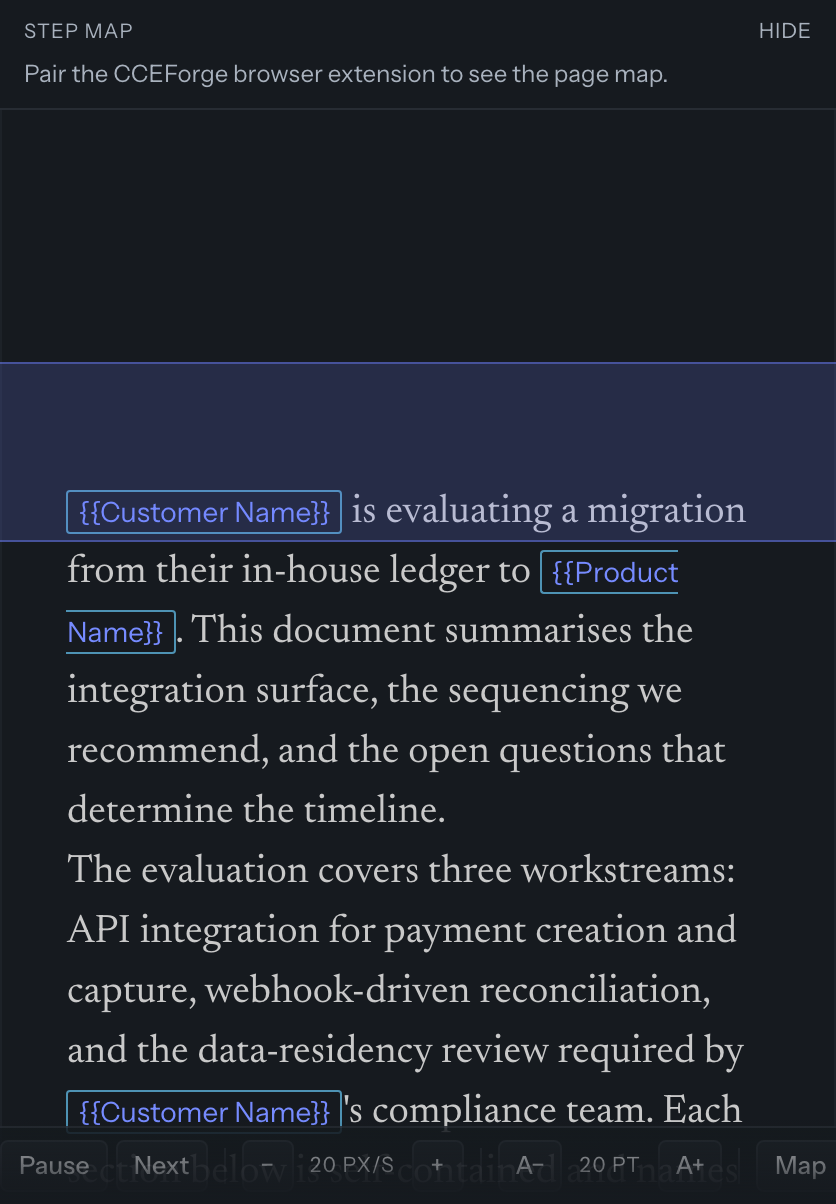
Speed starts at 20 px/s and moves between 5 and 120; type starts at 20 pt and moves between 12 and 48; both are kept per browser.
The prompter holds its own keys:
Spacepauses and resumes.←and→move a section back and forward.↑is slower and↓is faster.-and=change the type size.Esctwice closes it. The first press armsPress Esc again to close the prompter, so one stray key cannot close it.
Map, Voice and the gear have no key; they are pressed on the bar.
With reduced motion on, the column advances in whole blocks instead of gliding, and the
foot of the pane says Stepping by block.
Closing and coming back
Close prompter, Esc twice, or closing the floating window all end the same way, and
for a document, every one keeps your place. Resume prompter then appears beside
Start prompter with how old that place is.
Drag the window too narrow and it says Make this window wider to read from it.
What the extension adds
Hovering an area of a customer's page to move the prompter needs the CCEForge browser extension, which runs in Chrome. So do recording a mapping, a cue that fires when a page opens, the step map, and the rehearsal marks drawn on the page itself. Every control above works without it.
Mappings is where an area of a page is bound to a snippet, and cues are the rules that do the advancing.