Assembling
The canvas is the document: an ordered list of rows, each a snippet pinned at a revision.
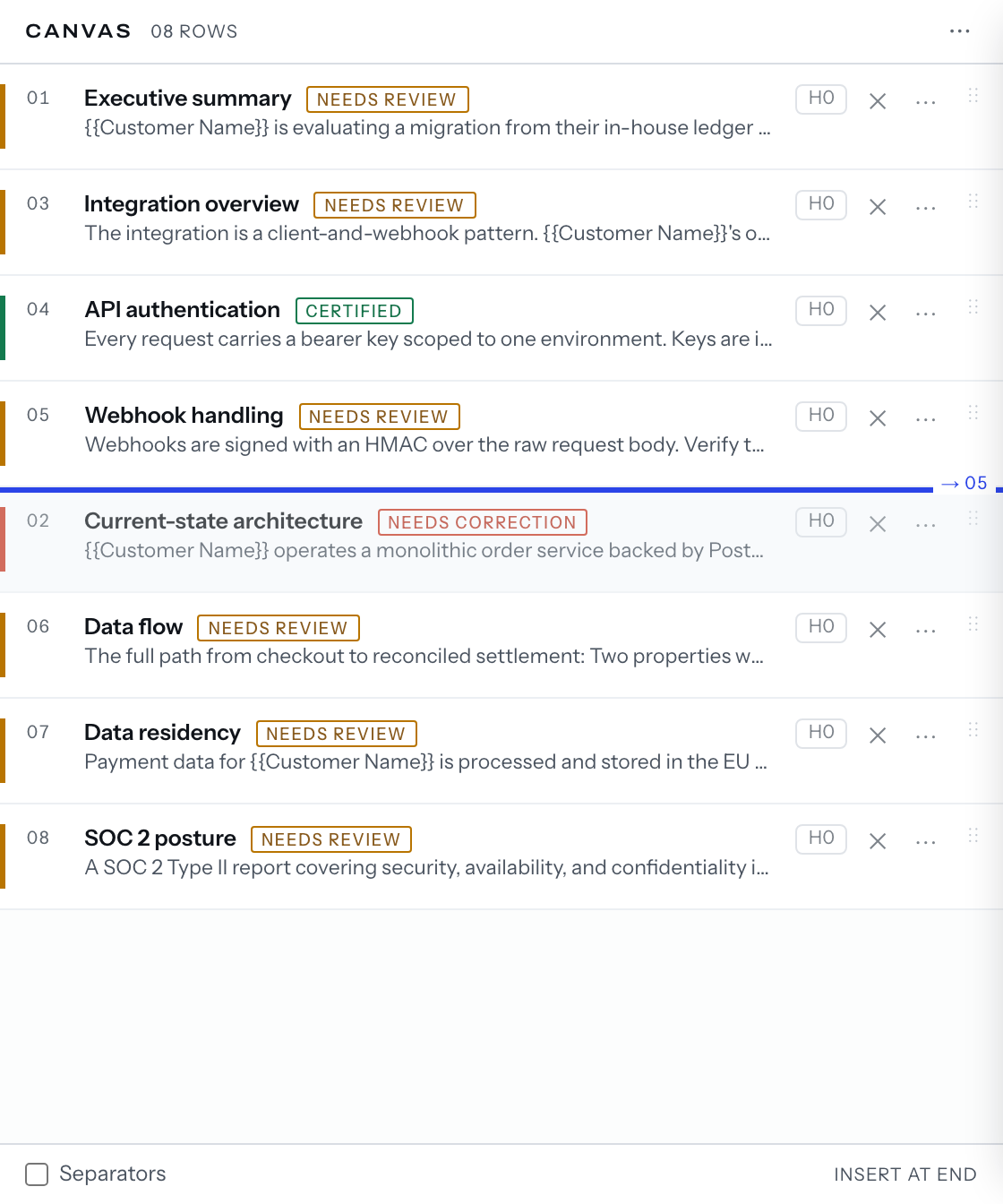
- Put rows on the canvas (your first document has the insertion point).
- Reorder with the row's
⋮⋮grip, or⌥↑and⌥↓on the focused row. - Remove with
✕, or⌘⌫on the focused row; a toast offersUndo.
The row menu
A snippet row's ⋯ and right-click render one list: Open in editor,
Open in library, Refresh to latest, Increase heading level (+1),
Decrease heading level (-1), Duplicate, Remove, plus
Reset heading level (H0) while the heading level is raised. Duplicate and
Remove act on the row, not the snippet.
The toast's Undo and ⌘Z both undo the last canvas change — an insert,
remove, duplicate, heading change, refresh or reorder.
Pinned revisions
A snippet inserted from the library is pinned to its current revision; a
template's rows, a Duplicate and a restored row keep the pin they were copied
with. A later save of the snippet does not change the row.
When the snippet has a newer revision, the row's seal reads Moved, unless the
snippet is flagged wrong (Needs correction) or stored as expired
(Review expired). Refresh to latest re-pins the row; while the pin is
current it is off, reading Already at the latest revision.
A row whose snippet you can no longer read renders as a red block,
Snippet deleted — remove or replace.
The canvas ⋯ carries Save as template (see templates) and a
remove-all item carrying the row count, as in Remove all 12 items….